
Samsung Odyssey G95C Manual and Display Manager Software
The Samsung Odyssey G95C is a 49-inch curved gaming monitor designed to deliver an immersive and smooth gaming experience. Its 1000R curvature and 32:9 super ultrawide aspect ratio wrap the display around your field of view, while the DQHD resolution of 5,120 x 1,440 provides sharp, detailed visuals across a wide screen. With a VA panel, 450 cd/㎡ typical brightness, a 2,500:1 static contrast ratio, and VESA DisplayHDR 1000 support, it delivers rich contrast, vibrant colors, and impressive picture quality. HDR10+ Gaming further enhances compatible games with detailed highlights and shadows.
Built for competitive gaming, the Samsung Odyssey G95C features a 240Hz refresh rate and a 1ms gray-to-gray response time for smooth motion and quick reactions. AMD FreeSync Premium Pro helps reduce screen tearing and stuttering, while Low Input Lag Mode, Black Equalizer, and Virtual AIM Point provide additional gaming advantages. Core Sync adds immersive lighting effects, and Super Arena Gaming UX offers convenient access to gaming features. Eye Saver Mode and Flicker Free technology also help provide a more comfortable viewing experience during extended gaming sessions.
The Samsung Odyssey G95C monitor offers flexible connectivity with two HDMI 2.1 ports, one DisplayPort 1.4, a headphone connection, and two USB 3.0 ports. Picture-in-Picture and Picture-by-Picture functions allow users to view content from multiple sources simultaneously. Its black design features a height-adjustable stand with 120mm of adjustment, tilt and swivel capabilities, and 100 x 100mm VESA wall-mount compatibility. Factory color tuning and a calibration report help ensure reliable color performance, while the use of at least 10% recycled plastic in applicable components adds an environmentally conscious touch.
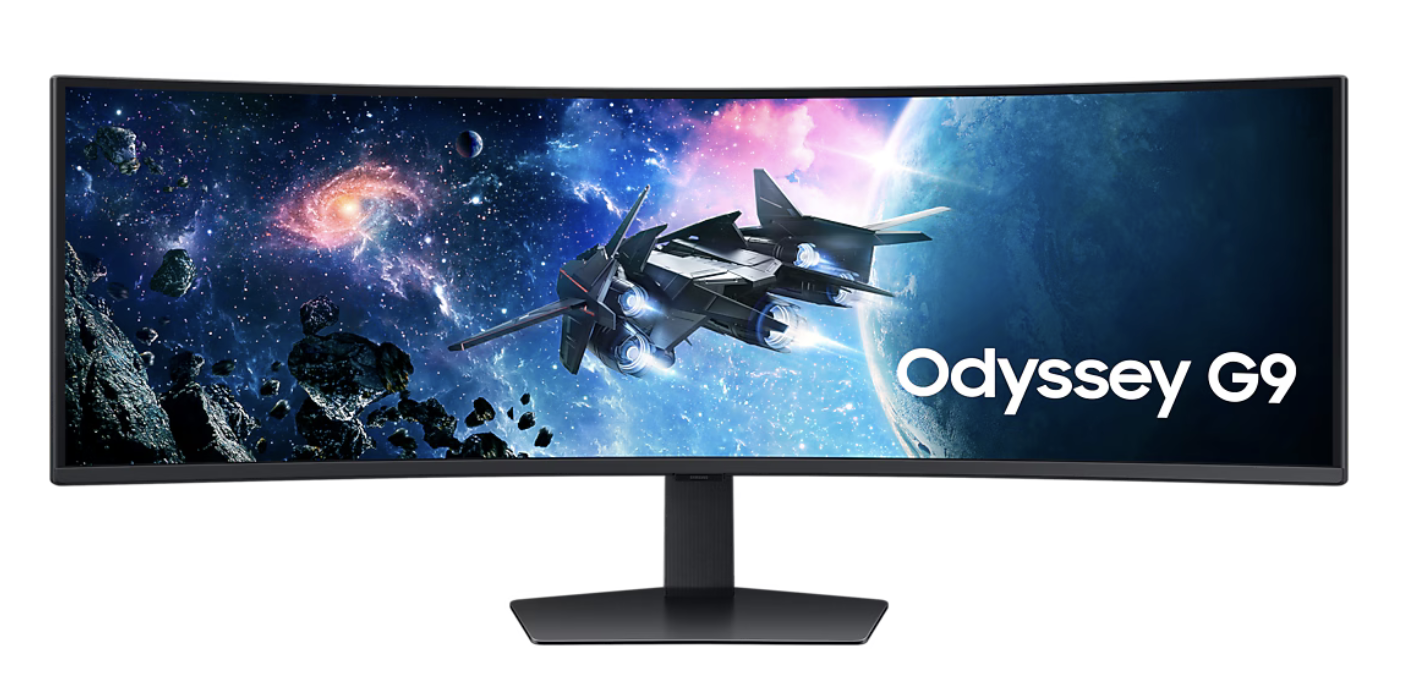
Samsung Odyssey G95C DQHD 240Hz Curved Gaming Monitor Features
- Screen Size: 49-inch curved display
- Resolution: DQHD (5,120 x 1,440)
- Screen Curvature: 1000R 32:9 Super Ultrawide Aspect Ratio
- Refresh Rate: Up to 240Hz, 1ms (GTG) Response Time
- HDR Support: VESA DisplayHDR 1000, HDR10+ Gaming
- Display Specs: Brightness: 450 cd/m2, Contrast Ratio: 2,500:1 (static), Color Support: Up to 1.07 billion colors
- Adaptive Sync: AMD FreeSync Premium Pro
- Gaming Features: Black Equalizer, Low Input Lag Mode, Virtual AIM Point
- Connectivity: 2 HDMI 2.1, 1 DisplayPort 1.4, 2 USB 3.0, headphone out
Samsung Odyssey G95C Series Manual Download
Read this Odyssey G95C manual thoroughly to ensure you know how to safely and efficiently operate your appliance’s features and functions. You can download the Samsung Odyssey G95C user manual by clicking the link below.
Samsung Odyssey G95C DQHD 240Hz Curved Gaming Monitor User Manual Download
File Name: BN81-25285B-00_WEB_G95C_EU_L25_231103.0.zip
Size: 29.45 MB
Description: See information about product safety, installation, accessories, initial configuration, and product specifications.
Samsung Odyssey G95C DQHD 240Hz Curved Gaming Monitor Installation Software Download
File Name: S49CG95x.exe
Size: 3.43 MB
Samsung Odyssey G95C DQHD 240Hz Curved Gaming Monitor Display Manager Download for Windows
File Name: SamsungDisplayManagerMSIX64_2026May26_Ver1.2.6.msi
Size: 166.58 MB
Samsung Odyssey G95C DQHD 240Hz Curved Gaming Monitor Display Manager Download for macOS
File Name: SamsungDisplayManager-macOS-1.0.0.pkg
Size: 75.43 MB
If you face a problem when operating the Samsung Odyssey G95C Monitor, please read the User Manual and Installation Guide.